Before relocation
~30 MbpsIn the slower locations.

PROJECT STORY · OFFICE WI-FI
How relocating Google Nest mesh points improved an office’s slower locations from around 30 to 300 Mbps, followed by a wired UniFi upgrade with reported speeds up to 800 Mbps.
The office already had a Google Nest Wi-Fi system, but speeds varied from around 30 Mbps to 400 Mbps depending on location. The question was what could be improved in the places where the connection was slow.
We started by analyzing the existing setup. The first step was to see what better placement could achieve with the equipment already there.
Before relocation
~30 MbpsIn the slower locations.
After relocation
~300 MbpsIn those same locations.
After the UniFi upgrade
Up to 800 MbpsLater reported by the client.
FIRST VISIT · EXISTING EQUIPMENT
After reviewing the Google Nest setup, we repositioned its mesh points. In the same locations that had been getting around 30 Mbps, speeds improved to around 300 Mbps.
That was a useful result before any hardware replacement: the existing system could perform substantially better with a different arrangement.
FOLLOW-UP VISIT · WIRED UNIFI INSTALLATION
On a later visit, we installed a UniFi Wi-Fi system with wired backhaul. Each access point connects back to the network by cable, rather than depending on a wireless link between mesh points.
Following the installation, the client observed speeds of up to 800 Mbps. This was a separate installation after the initial improvement to the mesh system.
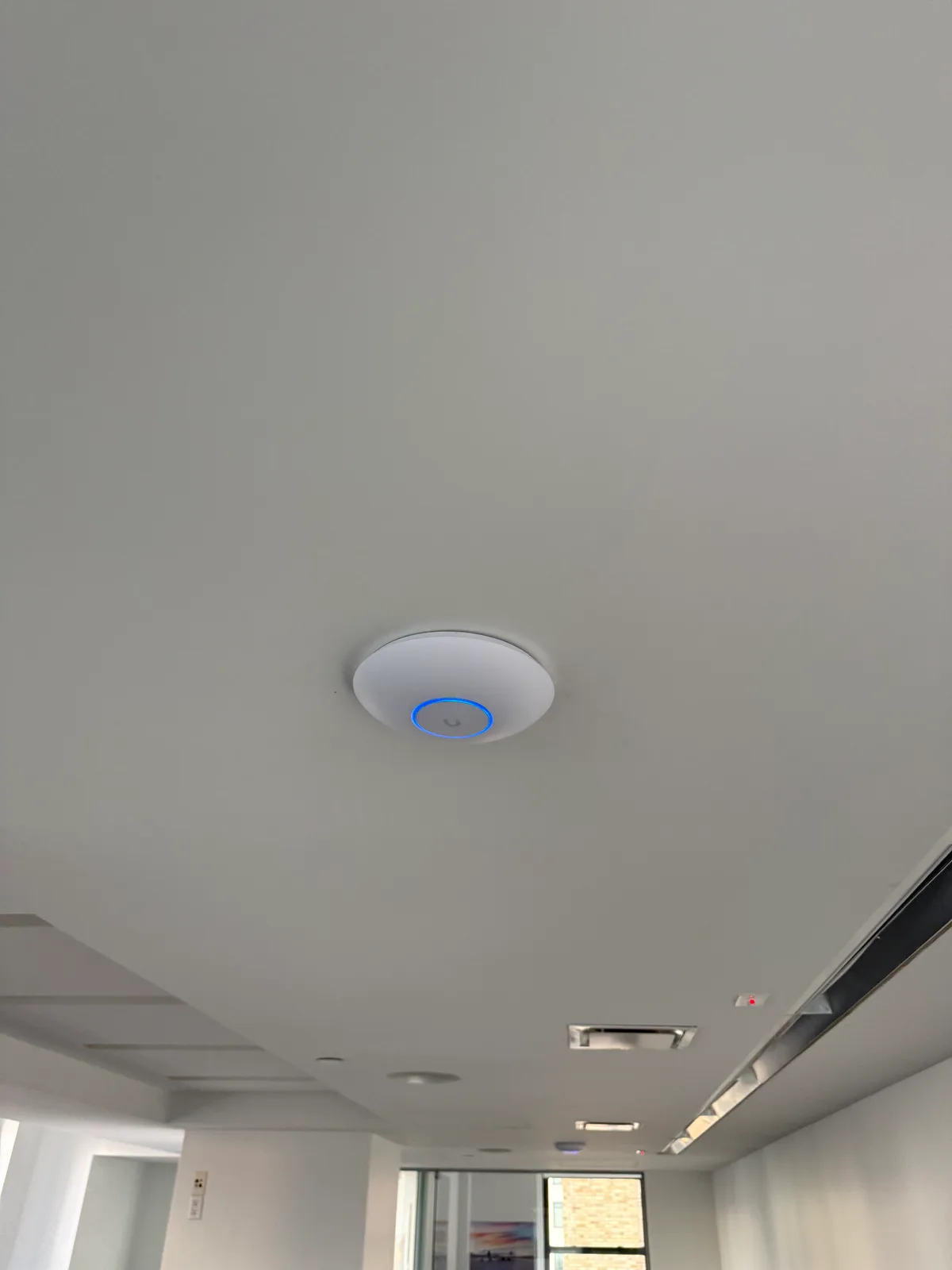
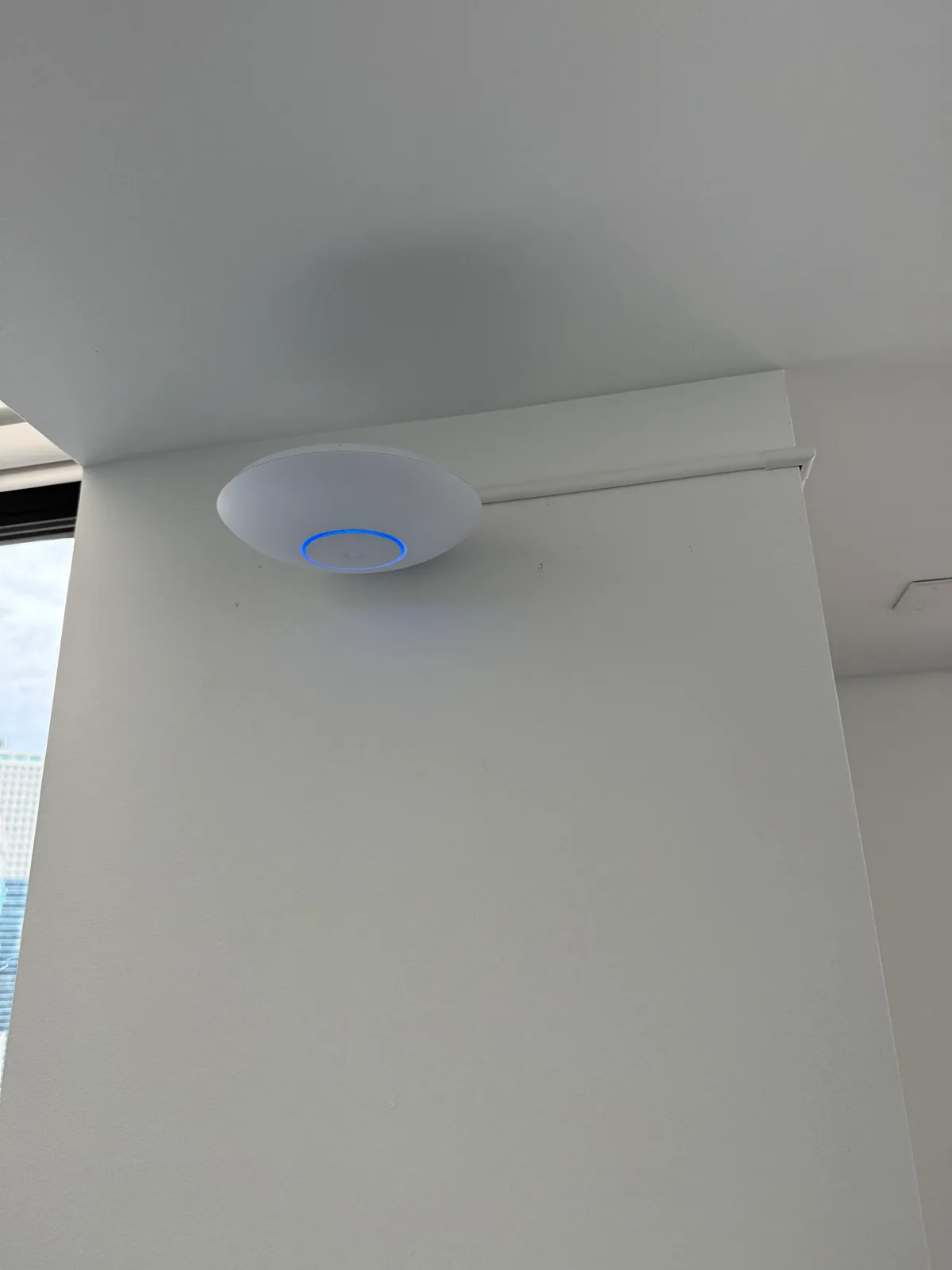
For this office, placement made a meaningful difference before new equipment was installed. The later wired UniFi system was the next stage—not the first thing we tried.
If your office has fast Wi-Fi in some places and slow Wi-Fi in others, a review of the current setup can help you decide whether to adjust it, investigate further or plan an upgrade.
Tell us where the connection struggles and what equipment you have. A free assessment includes up to two hours of review and recommendations. Relocation, configuration, installation and detailed survey work are agreed and priced separately.
Request a free Wi-Fi assessment →